
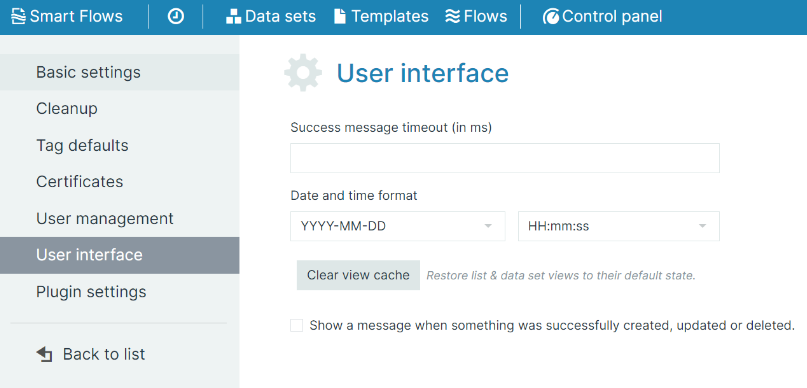
The User interface tab allows you to configure settings that affect the user interface and experience.
|
Field |
Description |
|---|---|
|
Show a message when something was successfully created, updated or deleted. |
If selected, a green success message is displayed after you create, update, or delete an item.
|
|
Success message timeout (in ms) |
How long the success message is displayed, in milliseconds. |
|
Date and time format |
The default date and time format of the project. Users can override it in their User settings (user menu in the upper-right corner). |
|
Clear view cache |
Restores list and data set views to their default state, for example column widths and layouts. |