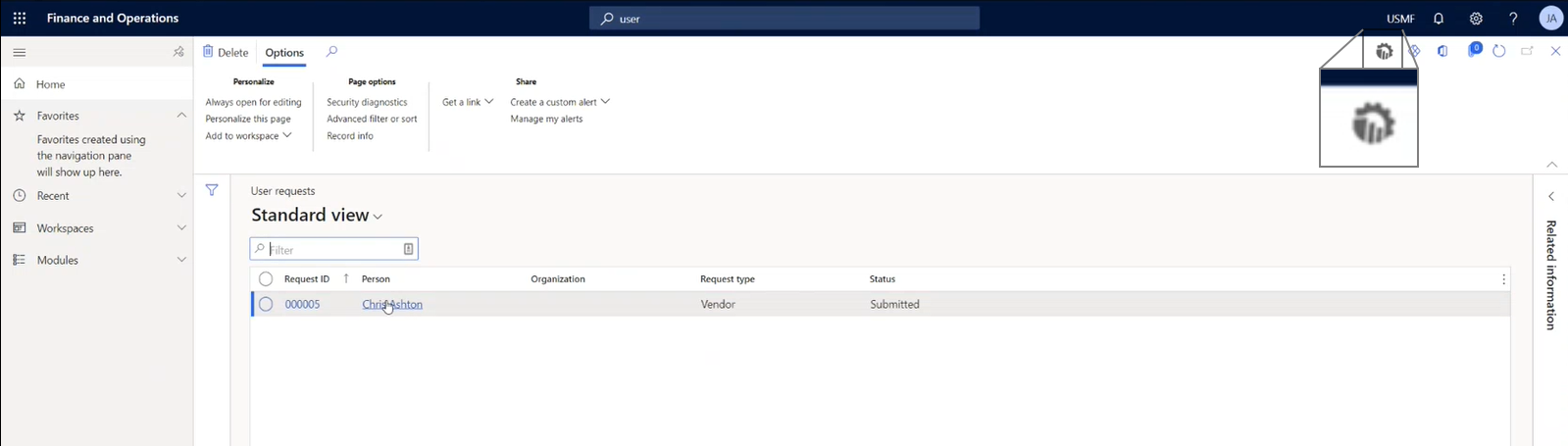
Once you've completed the creation of your Microsoft Dynamics 365 F&O connector, created a flow and assigned users roles. Once you've assigned your roles you must sync your users you can start your flow from within Microsoft Dynamics 365 F&O.
Clicking the Smart Flows icon opens a drop-down list of flows associated with your connector.