
The Pause Until flow block allows Designers to create delays in their flows based on output parameters from preceding blocks in their flow. Pausing allows you to have the flow wait until a trigger occurs to have the flow resume. Designers can even map to a Condition flow block to create advanced pause and resume logic.
Real-World Examples: Send to Docusign and Share File Step
Scenario 1: Docusign Integration
In this example, you have a flow that uses the Pause Until flow block to manage document signing with Docusign. The flow starts by sending a generated document to Docusign for signature. Instead of waiting for the entire process to complete, the flow pauses until a Send Date is assigned. Once the Send Date is received, the flow resumes, updating the connector system with the relevant details. Afterward, the flow pauses again, waiting for the document to be signed. When the signed document is received, the flow resumes to complete the next steps, such as archiving the signed document or notifying stakeholders.
Scenario 2: Share File and Controlled Actions
In this scenario, the Pause Until flow block is used to manage the sharing of files. The flow begins by sharing a file with a designated user or group. Instead of continuing with the process right away, the flow pauses until a specific action, such as a file download or approval, is detected. Once the action occurs, the flow resumes, allowing further processing, such as notifying other team members or updating records, before pausing again for the next action.
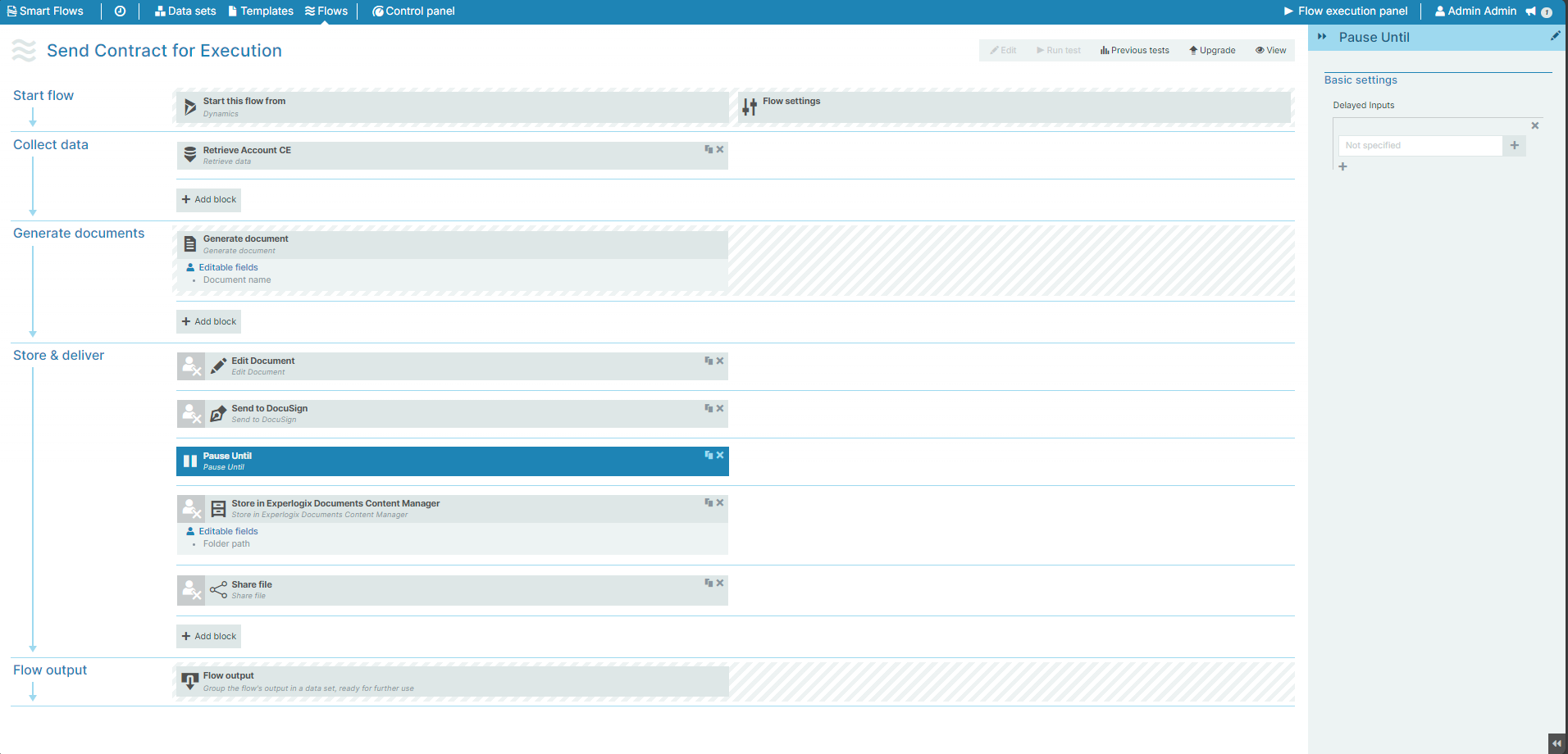
Flow Block Parameters
The dropdown menus below provide all of the flow block's configuration options with detailed information and recommendations to help you configure your flow block.
Flow block customization buttons
You can further customize your flow block's parameters in several ways
-

-

-

Basic settings
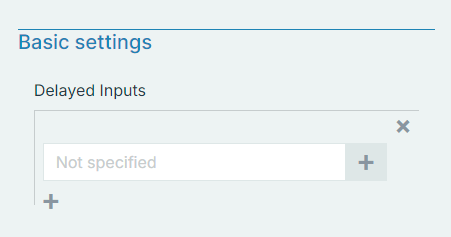
|
Field name |
Description |
|---|---|
|
Delayed Inputs |
Specifies which output from a preceding flow block triggers the pause action The mapping allows you to select a flow block and field to control the pause functionality. The mapping field only allows you to select valid delayed output parameters from preceding blocks. If no preceding flow blocks support delayed output, then the field displays grayed out. In the Flow Execution Panel, flows waiting due to a Pause Until flow block display as pending and automatically resume when all delayed output triggers set in the Pause Until flow block are met. Flows in a pending state are automatically cleaned up based on the parameters configured in the Control Panel Cleanup settings. See Settings for more details on the available Cleanup settings. |