
The Read Document Properties flow block generates the properties of a document, such as the number of pages, document size, creation date, file name, mime type, and document ID.
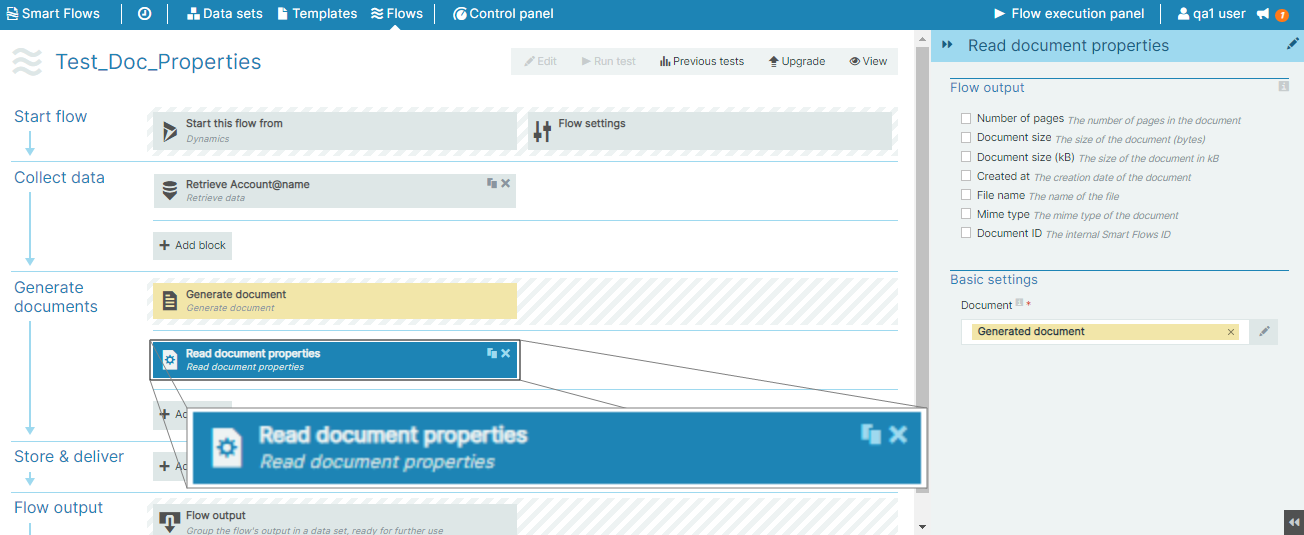
Flow Block Parameters
The dropdown menus below provide all of the flow block's configuration options with detailed information and recommendations to help you configure your flow block.
Flow block customization buttons
You can further customize your flow block's parameters in several ways
-

-

-

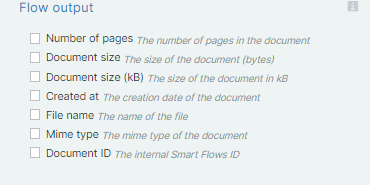
Flow output
|
Index No. |
Field name |
Description |
|---|---|---|
|
1 |
Number of pages |
When checked, the system displays the number of pages in the document. |
|
2 |
Document size |
When checked, the system displays the size of the generated document in bytes during the flow output step. |
|
3 |
Document size (kB) |
When checked, the system displays the document size in kB during the flow output step. . |
|
4 |
Created at |
When checked, the system displays the creation date of the generated document. |
|
5 |
File name |
When checked, the system displays the name of the file. |
|
6. |
Mime type |
When checked, the system displays the mime type of the document. |
|
7 |
Document ID |
When checked, the system displays the internal Smart Flows ID. |
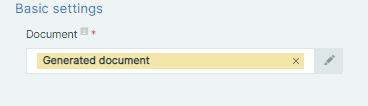
Basic settings
|
Index No. |
Field name |
Description |
|---|---|---|
|
1 |
Document |
Define the document to use to display document properties. |