
The Microsoft Dynamics 365 CE Workflow flow block allows the designer to start a flow in Project Console that trigger and store a generated document in Microsoft Dynamics 365 CE using a connector.
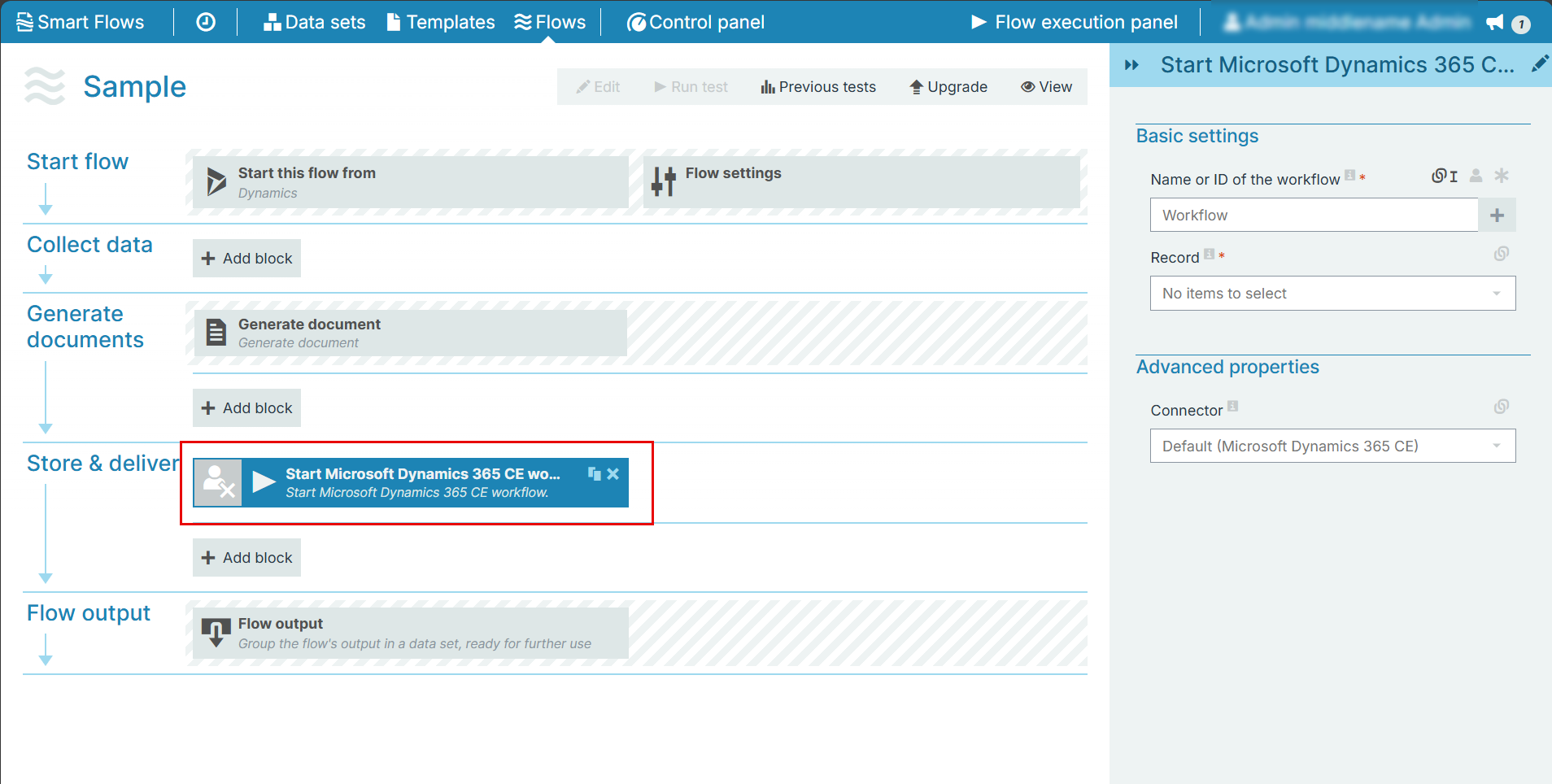
Flow Block Parameters
The dropdown menus below provide all of the flow block's configuration options with detailed information and recommendations to help you configure your flow block.
Flow block customization buttons
You can further customize your flow block's parameters in several ways
-

-

-

Basic Settings
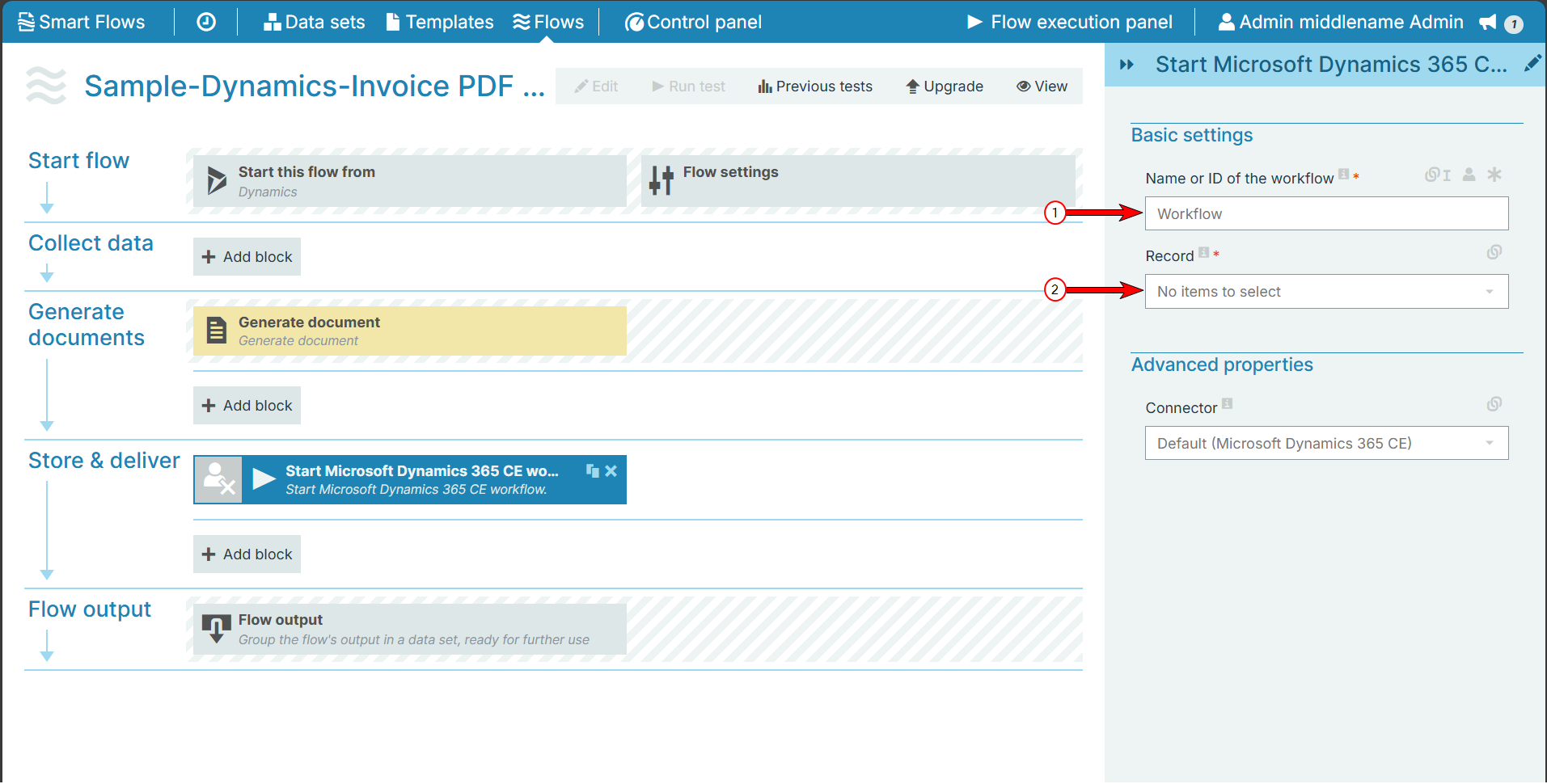
|
Index No. |
Field name |
Description |
|---|---|---|
|
1 |
Name or ID of the workflow |
It represents the workflow's Process name or the ID. We recommend the use of the workflow ID found on the address bar. Names are identical, but IDs are unique. |
|
2 |
Record |
Defines the record to pull data from within a data set. |
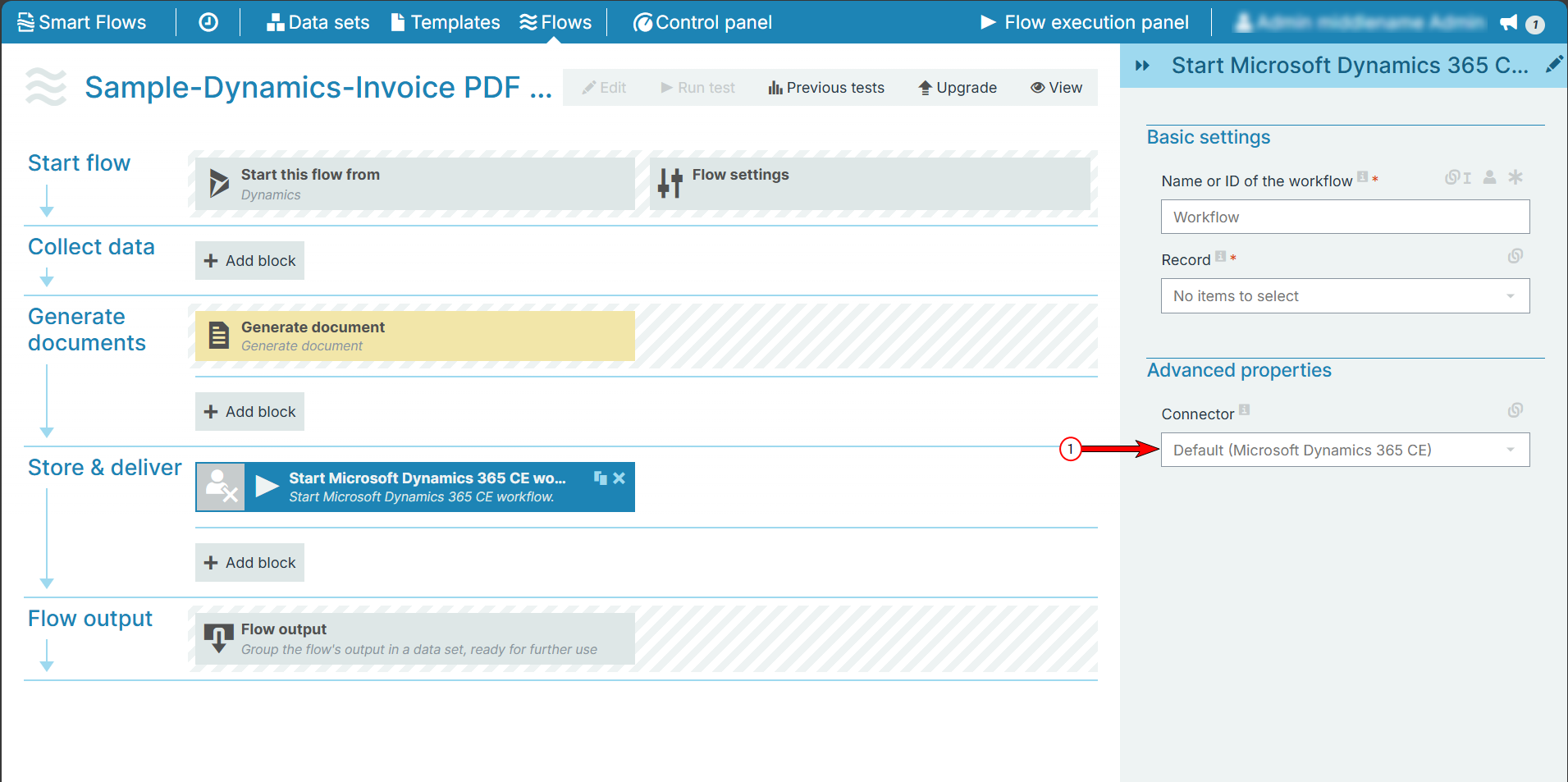
Advanced properties
|
Index No. |
Field name |
Description |
|---|---|---|
|
1 |
Advanced properties |
Defines the connector that acts as a proxy and allows the user to connect to Microsoft Dynamics 365 CE workflow. By default, in the dropdown menu, Dynamic CE is selected. |