
Mapping the flow initiator to a template ensures that key details about the person launching the process are automatically captured and applied throughout the document. This is especially useful when their information needs to populate specific fields.
The steps below are specific to Microsoft Dynamics 365 CE but the concepts should be applicable to other CRMs. .
-
On the Project Console, navigate to Data sets and create a Dynamics (Microsoft Dynamics 365 CE / BC / F&O) Data set.
-
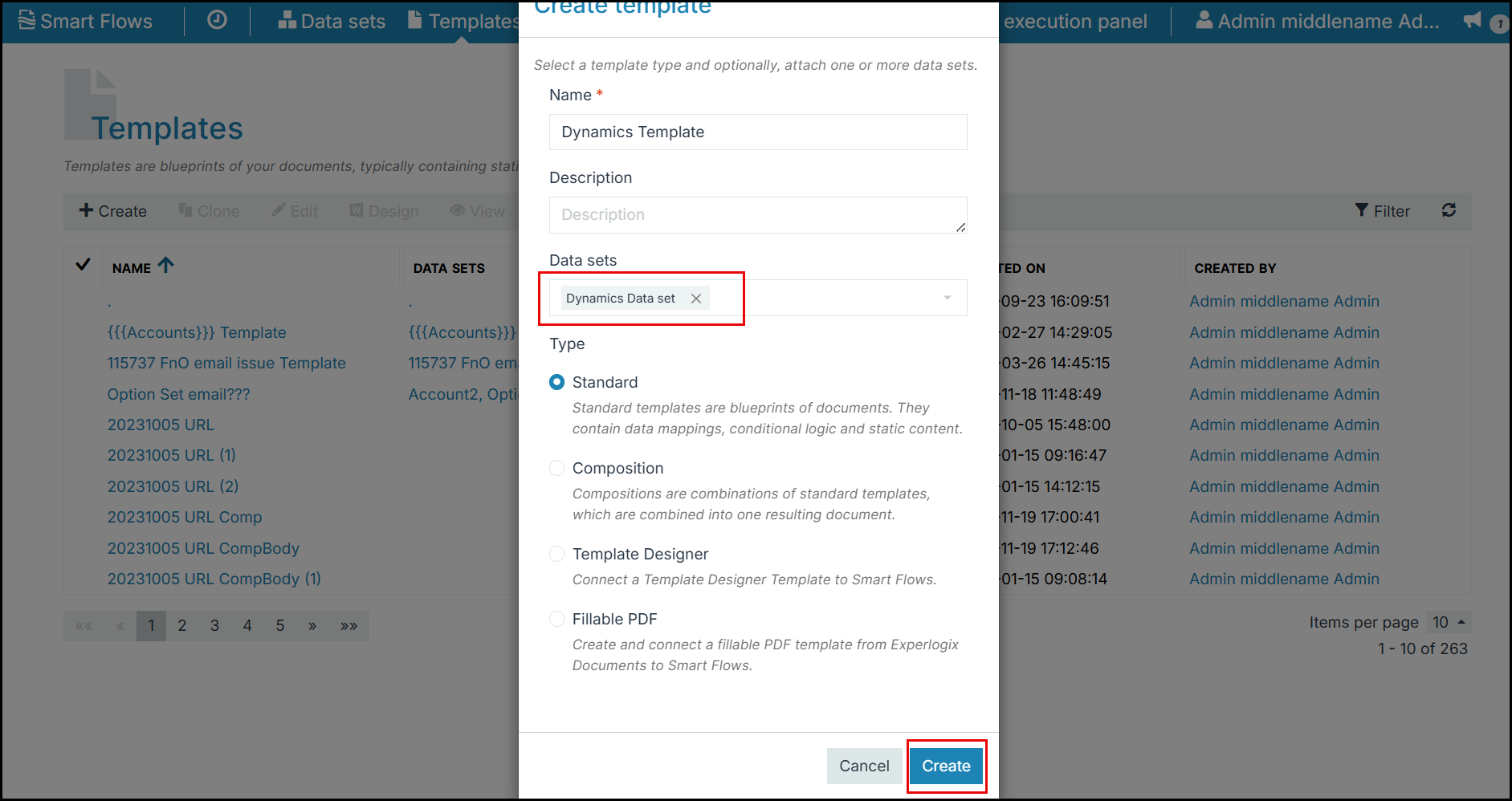
Add the data set to a new Template.
-
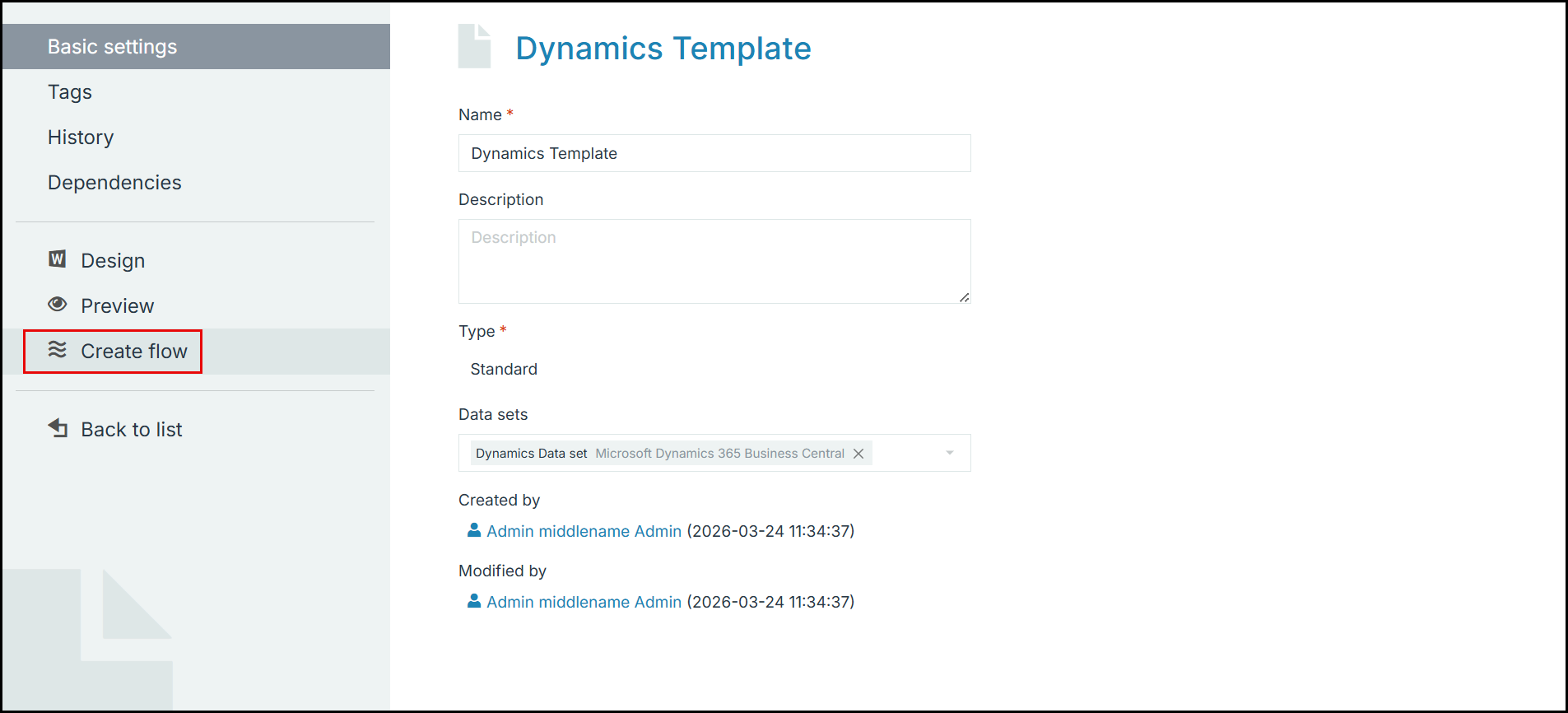
Create a Flow using the above template.
-
In the Flow Builder, select the Retrieve data flow block and map User as the value for Record field.

Ensure that the Data set is not the Primary entity.
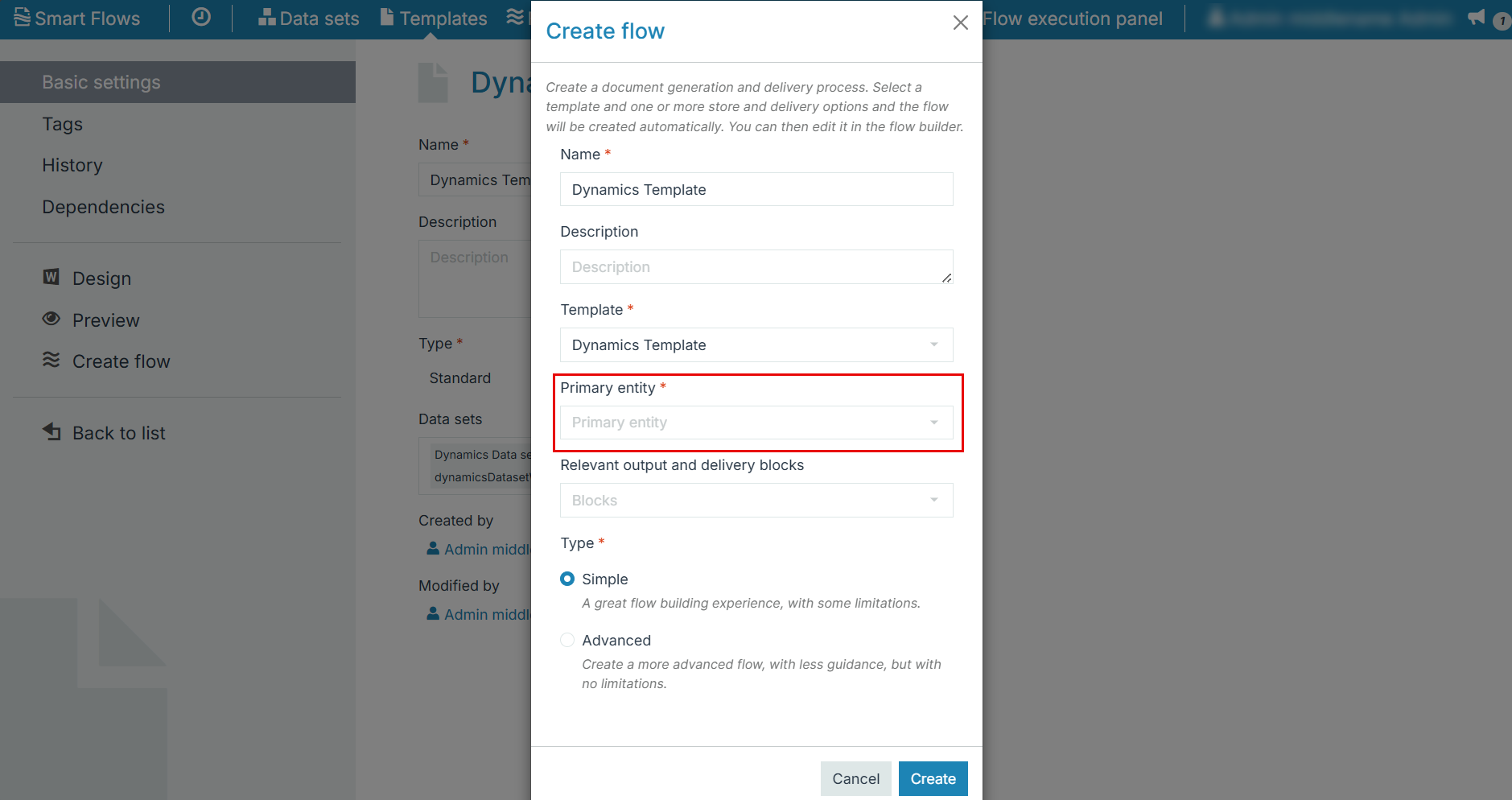
The flow initiator (user) details are now mapped in the Template.