
Once a PrintNode connector is created, you can view all the Connector's configuration parameters. To review your PrintNode connector, open the connector from the Connectors List view and select the Configuration tab.
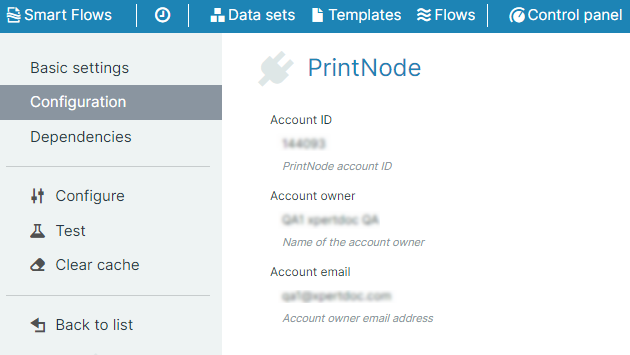
PrintNode Configuration Parameters
|
Field Name |
Description |
|---|---|
|
Account ID |
Displays the account ID of the user. |
|
Account Owner |
Displays the first name of the user who authenticated the connector. |
|
Account e-mail |
Displays the e-mail address of account owner. |